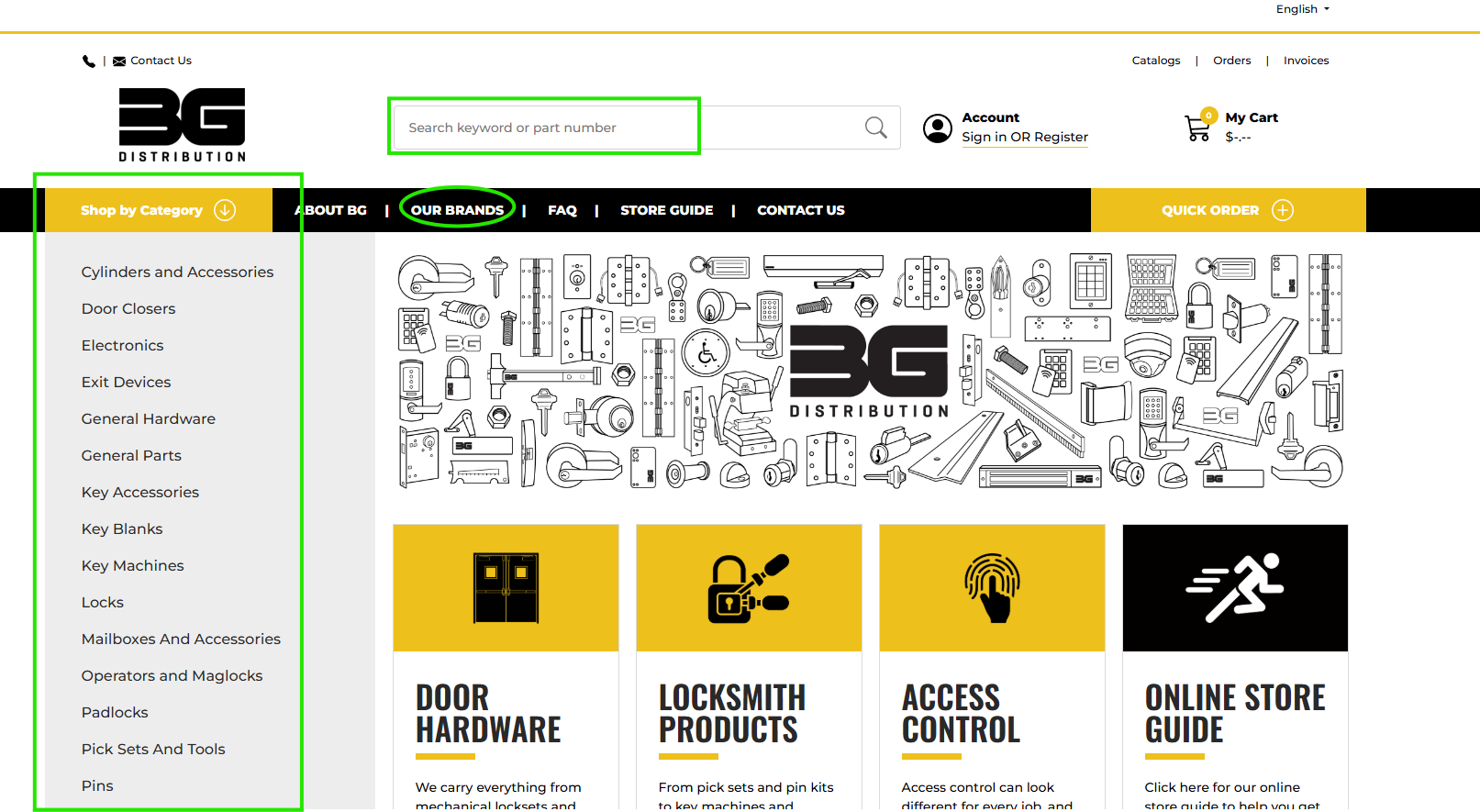
You can find products to add to your cart by shopping by category, by brand or by searching.
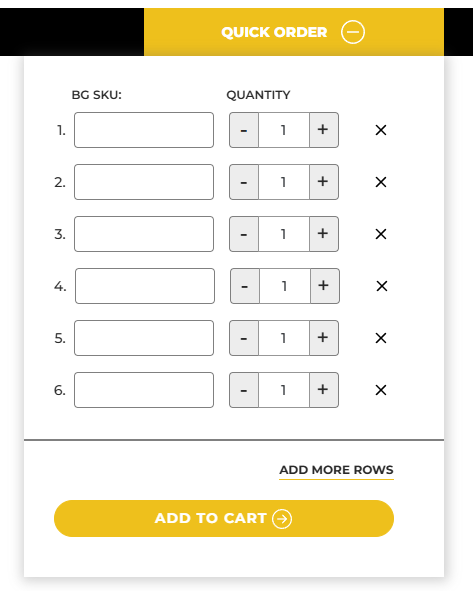
If you know the product code for the items you want to order you can type or copy paste them into the quick order form and choose the quantity
When you start typing, the field will offer suggestions in case you don’t know the full code, you can still use the quick order if you know most of it
Shop by category, brand, or search
Quick Order Form
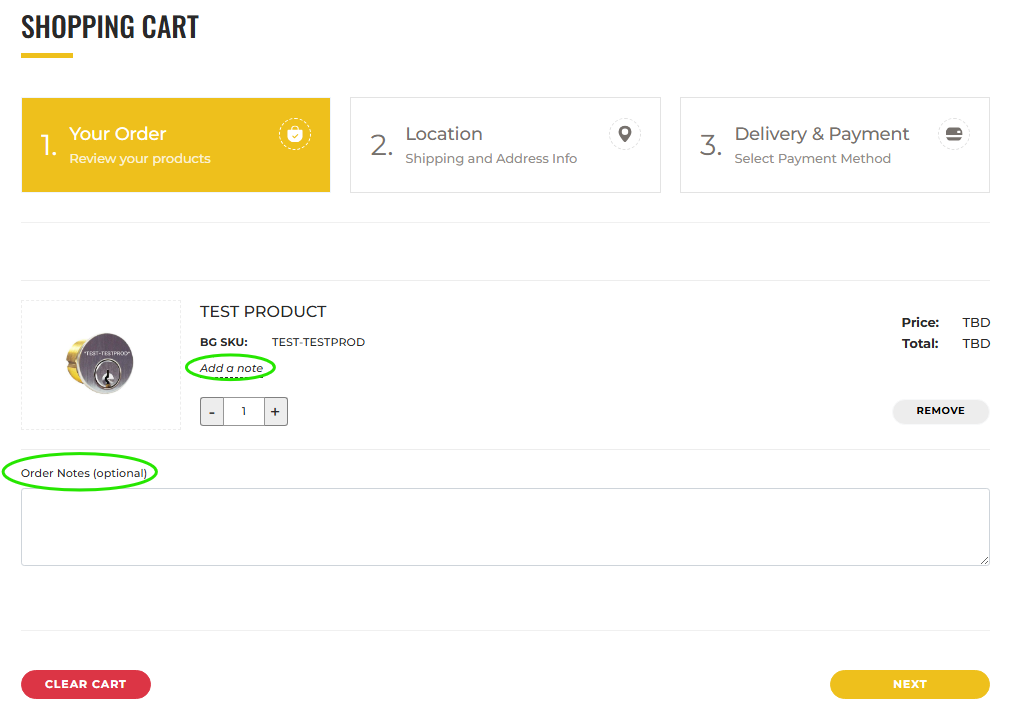
Click the cart icon in the top right corner to checkout
You can add product or order notes on the first screen, then click "Next"
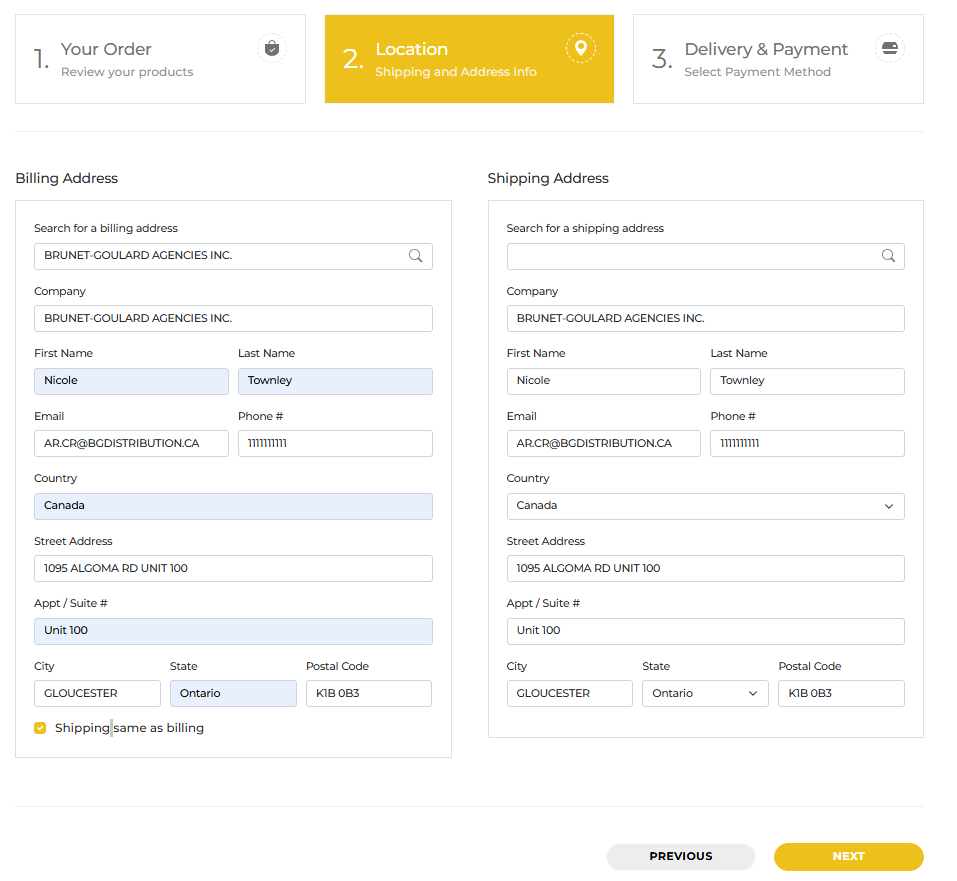
Add your Billing and shipping address
If you click the “Seach for a shipping address” field, you will get a list of the ship-tos on your account
However, you can type any valid address, it does not need to be a ship to
To add/remove ship tos, please contact ar.cr@bgdistribution.ca as it can only be done through our internal system and not the store
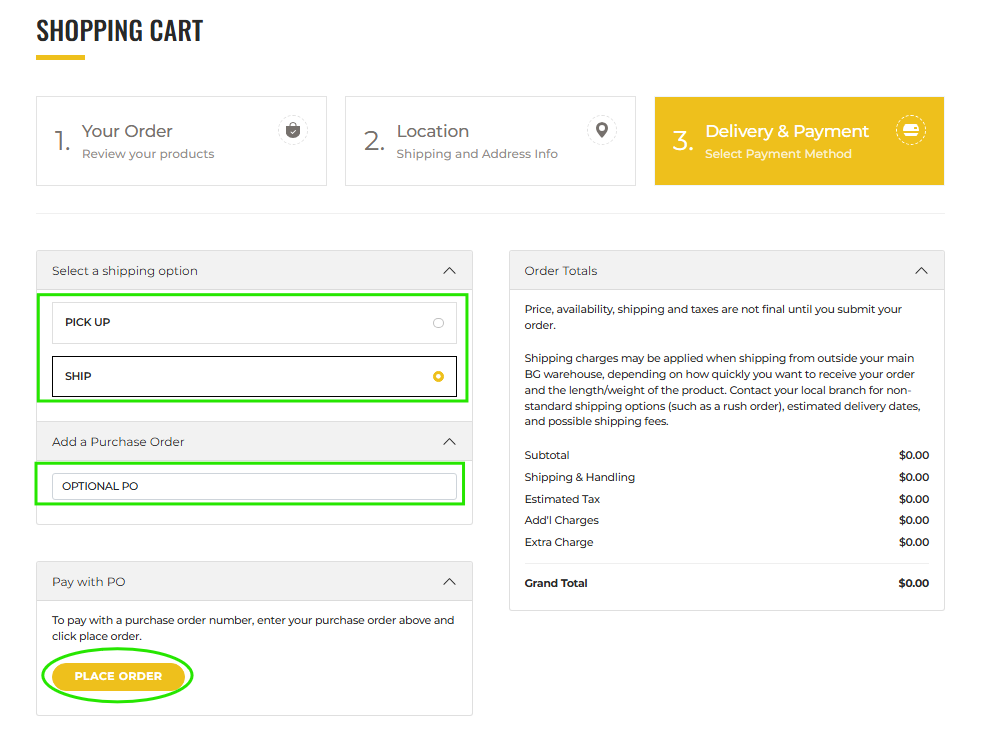
Pick up or shipping, purchase Order, and place order
You can either pick up your order from your local warehouse, or have it shipped to your address
Montreal customers will see an aditional option to choose whether they want to pick up from the Montreal or the St-Bruno warehouse (This is because the warehouses are very close in proximity)
Purchase Order number is optional
Click “Place Order” to place your order
NOTE: “Place order” vs “Request quote” - If you see “Request quote” on the checkout page it means you are not logged in. You should log into your account so you can place the order properly
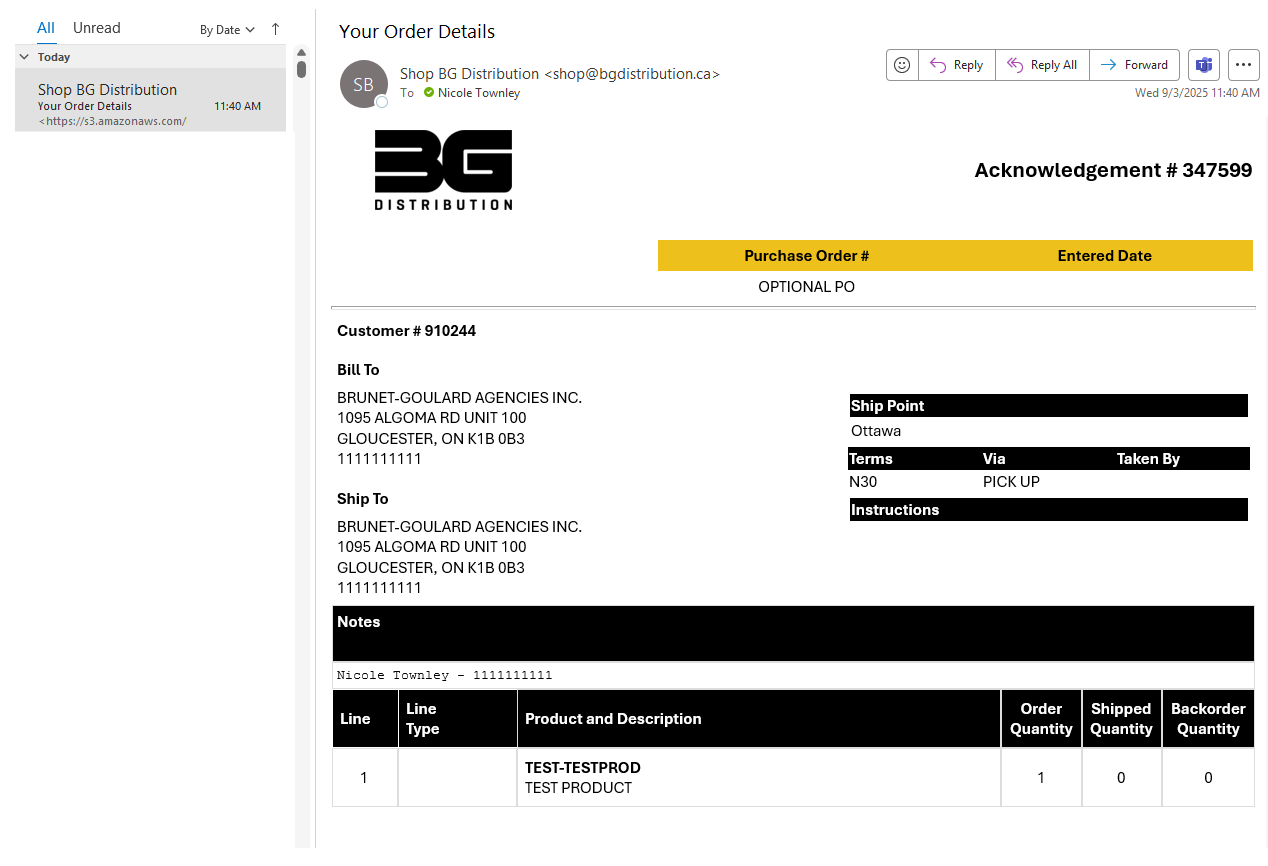
Once you place your order you will receive an order acknowlegement via email
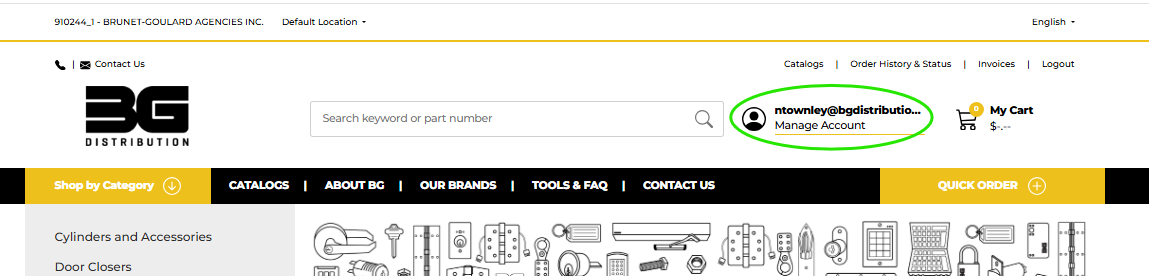
Track your order status in the Customer Portal
Click on "Manage Account" from the main header, then choose the "Orders" tab from the customer portal